

Create a Personalized Photo Canvas Tote Bag Gift: A Step‑by‑Step Guide
Ever opened a gift and felt that warm, "this was made just for me" glow? That's the magic we chase when we talk about a personalized photo canvas tote bag gift.
Imagine a sturdy canvas tote, the kind that carries groceries, beach towels, or a laptop, but instead of a plain logo it proudly displays a cherished family photo or a snapshot of that goofy vacation pose. Every time you grab it, you're reminded of a moment that makes you smile.
Why settle for generic when you can turn a memory into a daily companion? A personalized tote isn't just a bag; it's a portable story you get to share with anyone who asks, "Where did you get that?"
And here's the thing: the canvas feels soft yet durable, the print stays vibrant even after a few washes, and the gift feels thoughtful without shouting. That's why many of our shoppers choose it for birthdays, anniversaries, or just because they want to make Mom's day a little brighter.
But you might wonder, "Is it hard to design?" Not at all. Our easy‑to‑use editor lets you upload a photo, position it, and preview the final look in seconds. No design degree needed—just a favorite picture and a dash of creativity.
Think about the joy on your partner's face when they see a beach sunrise they captured together, now printed on a tote they can use every day. Or picture your grandma carrying a family portrait to the market, feeling the love with every step.
So, what’s the next step? Head over to our guide on why a personalized tote bag gift is the perfect choice for any occasion, and discover how simple it is to create a keepsake that’s both beautiful and practical.
Let’s dive in and explore the possibilities, from choosing the right photo to caring for your new canvas masterpiece.
TL;DR
A personalized photo canvas tote bag gift turns a favorite snapshot into a durable, stylish companion that brightens daily routines and makes any occasion feel extra special.
It’s effortless to create—just upload your image, tweak placement, and order a ready‑to‑carry keepsake that sparks smiles every time you reach for it.
Step 1: Choose Your Photos
Picture this: you’re scrolling through old phone albums, and a candid shot of your kid’s messy face after a birthday cake pops up. That moment feels perfect for a personalized photo canvas tote bag gift, right?
But before you hit “upload,” you need a photo that will actually look good when it’s stretched over canvas and sewn onto fabric. It’s not magic; it’s about resolution, composition, and a little bit of gut feeling.
Why resolution matters
Resolution is basically the amount of detail your image carries, measured in pixels. The higher the pixel count, the sharper the final tote will be. According to CanvasPop’s guide on image resolution, a minimum of 1800 × 2400 pixels at 150 DPI gives a crisp 8×10 canvas, and you’ll want even more—around 3600 × 5400 pixels—for larger prints.
Think about it this way: a low‑resolution selfie can look fine on a phone screen, but once it’s blown up to cover an entire tote, the pixels pop like tiny squares. You don’t want that.
So, how do you know if your photo meets those numbers?
Check your file size and dimensions
On a computer, right‑click the image, hit “Properties,” then “Details.” Look for width × height in pixels and DPI. If you’re on a phone, most gallery apps have an “Info” button that shows the same data.
Tip: aim for a file size of at least 2 MB. Larger files usually mean less compression, which preserves color fidelity and detail. Gift‑givers in online communities often share screenshots of their successful uploads, and you’ll notice most of them are comfortably over that threshold.
Remember, resizing won’t add detail—it only changes the display size. If your picture is 800 × 600, you can’t magically turn it into 3600 × 5400 without losing quality.
Does that sound a bit technical? Don’t worry, you don’t need a degree in photography to get it right.
Choosing the right shot
Start with a photo that has good lighting—natural daylight is your friend. Avoid harsh shadows or blown‑out highlights because they become even more pronounced on canvas.
Composition matters too. A centered subject works well for a tote because the design wraps around the bag. If you love a candid edge‑to‑edge vibe, make sure the key elements aren’t too close to the borders; they could get trimmed during printing.
And here’s a little secret: a little “imperfection” adds personality. A slightly grainy family photo can feel more heartfelt than a perfectly polished studio shot.
What about color? Images with vibrant, true‑to‑life colors translate best onto canvas. If your photo looks dull on screen, consider a quick tweak in a free editor—boost the contrast a notch and watch the difference.
Finally, pick a photo that tells a story you want the recipient to relive every time they grab the bag. Maybe it’s a beach sunrise you shared, or a goofy dog face that always makes you laugh.
Once you’ve found the perfect image, you’re ready for the next step: uploading it to heartful.gifts and watching the magic happen.
Ready to start? Grab your phone, scroll through those albums, and pick the picture that makes you smile. That’s the heart of a great personalized photo canvas tote bag gift.
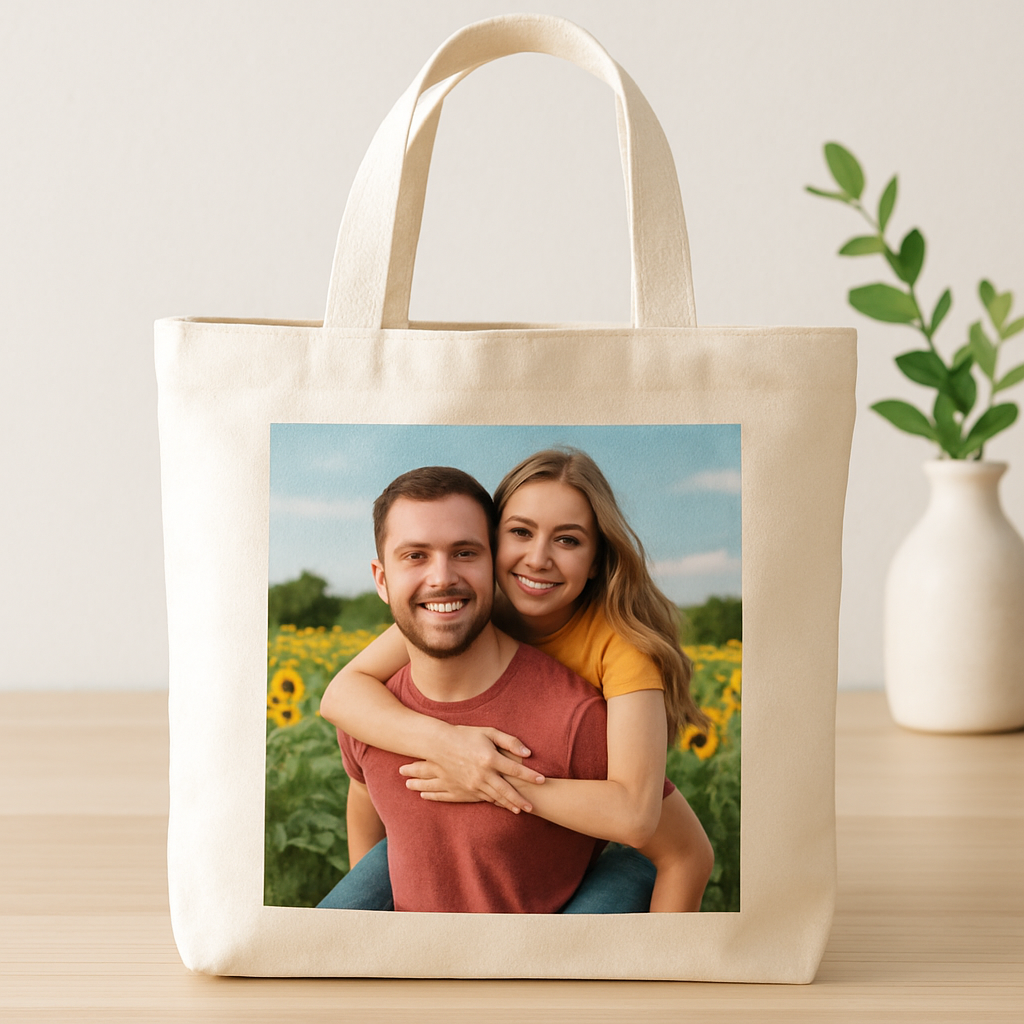
Step 2: Select Canvas Tote Style and Size
Alright, you’ve got that perfect photo ready—now let’s talk about the bag that will carry it. Choosing the right style and size is kind of like picking the right frame for a painting; you want it to showcase the image without stealing the spotlight.
Know the basics: shape, straps, and closure
Most canvas totes come in a classic rectangular silhouette with a single long strap, but you’ll also see shoulder‑bag cuts, zip‑top closures, or even a small inner pocket.
Ask yourself: will the recipient toss groceries in it, or is it more of a “carry‑your‑laptop‑and‑a‑coffee” vibe?
And here’s a quick tip—if you’re gifting a "personalized photo canvas tote bag gift" to a parent who runs errands, a roomy, open‑top style with reinforced handles is a safe bet.
For a spouse who loves a tidy look, a zip‑closure adds a dash of polish.
Size matters—don’t let your photo get lost
Canvas totes typically range from 12×14 inches (the “mini” size) up to 18×20 inches or larger. A good rule of thumb: the larger the bag, the more breathing room your image has.
If your photo is a sprawling beach sunset, go big—think 16×18 inches.
If it’s a cute pet headshot, a 12×14‑inch tote will keep the focus tight.
Does the size affect printing cost? Usually not dramatically, but many print‑on‑demand services, including heartful.gifts, price the “standard” 14‑inch tote as their baseline. Anything bigger might add a few dollars, which is still worth it if the picture needs that extra canvas real‑estate.
Consider canvas weight and texture
Canvas comes in light (around 5‑6 oz), medium (≈ 8‑10 oz), and heavyweight (12‑14 oz) options. Light canvas feels breezy but can sag when you load it with groceries.
Medium weight gives a nice balance—sturdy enough for everyday use, yet still soft enough to drape nicely over a shoulder.
Heavyweight is perfect for a “gift that lasts,” especially if the tote will be a keepsake.
Want the lowdown on canvas weights? different canvas weights explained by Tote Bag Guide breaks down the pros and cons in plain English.
Match the style to the occasion
Think about the moment you’ll give the tote.
A birthday surprise for a teen? A bright, printed‑all‑over tote in a playful pastel shade will feel fun.
A “thank‑you” for a teacher? A neutral, natural‑colored canvas with a subtle photo border feels more refined.
And don’t forget the little details: a leather‑like strap adds a luxe touch, while a cotton rope handle keeps the vibe casual.
Some sites even let you pick a printed interior lining—great for a hidden splash of color that only the owner sees.
Practical checklist before you click “Add to Cart”
- Confirm the tote’s dimensions (width × height × depth).
- Decide on closure type: open, zip, or snap.
- Choose canvas weight based on how heavy the bag will get.
- Pick strap style—single long strap, double, or detachable.
- Visualize the photo’s placement: will it fill the front, wrap around, or be a centered focal point?
If you’re still unsure, Paper Mart’s guide to decorative gift bags reminds shoppers that variety and quality go hand‑in‑hand, which is exactly what we’re after for a personalized photo canvas tote bag gift.
Once you’ve nailed the style and size, the next step is a breeze: upload your image, preview, and let heartful.gifts handle the rest. You’re basically one click away from turning a memory into a daily‑use masterpiece.
Step 3: Design Layout & Editing
Okay, you’ve picked the perfect tote size and strap style, and now the fun part begins: turning that favorite photo into a design that actually looks good on canvas.
Start with a quick mockup
Before you waste hours tweaking, throw the image into a free tote‑bag mockup generator. Canva’s tool lets you drag, drop, and see a realistic preview in seconds – no photographer needed.
Just upload, pick a bag style, and watch your memory come to life. Canva’s tote bag mockup generator is surprisingly accurate, so you can spot stretch or cut‑off issues early.
Mind the margins
Photos love breathing room. Aim for at least a quarter‑inch margin around the edges; otherwise the print can look cramped, especially on a curved canvas.
Think of it like framing a picture on a wall – you wouldn’t slam the frame right up against the edge, right? A tiny border gives the image space to “settle” and makes the tote feel more polished.
Choose placement that tells a story
Do you want the whole scene to dominate the front, or would a centered focal point feel more intimate? Many gift‑givers pick a single, strong visual element (like a smiling face) and let it sit dead‑center. If you’re feeling adventurous, try a wrap‑around layout that follows the bag’s silhouette.
Here’s a quick test: print a cheap paper copy of your design at 10 % size. Hold it up to the bag’s dimensions. Does the focal point still hit the sweet spot? If not, shift it a few pixels in the mockup and try again.
Play with color and contrast
Canvas prints can mute subtle hues, so boost contrast just enough to keep details sharp. Canva’s “Adjust” panel lets you increase brightness and contrast without ruining the original vibe.
Following basic design principles ensures the image stays legible even after printing.
Pro tip: if your photo is mostly pastel, add a thin, dark outline around the main subject. It creates a subtle “halo” that prevents the image from disappearing into a similarly colored tote.
Typography – less is more
Adding a short phrase or name? Stick to one clean font, keep the size modest, and place it where the photo isn’t fighting for attention (like the lower corner or inside the strap).
Even a tiny handwritten‑style script can feel personal, but avoid decorative scripts that become unreadable on fabric.
Check the final file
- Resolution: at least 150 dpi at full size.
- Color mode: RGB (most printers convert automatically).
- File type: PNG for transparent backgrounds, JPEG for full‑color photos.
Once you’ve locked in those specs, upload the file to heartful.gifts and hit “preview.” If the preview looks clean, you’re ready to order.
Quick sanity check
Does the design still look good in black‑and‑white? Flip the mockup to grayscale – if it holds up, you’ve nailed contrast.
And remember, you can always order a single sample before committing to a batch. It’s the cheapest way to catch any surprise printing quirks.
Now, let’s see those steps in action.
Final tip
When you hand over the tote, point out the hidden interior lining if you chose one – it’s a little secret that turns an everyday bag into a cherished keepsake.
All set? Your personalized photo canvas tote bag gift is now ready to become the go‑to accessory that reminds someone of a moment you both love.
Step 4: Print, Quality Check, and Shipping
Alright, you’ve just hit “order” on heartful.gifts and the magic is about to leave the screen. The next few minutes feel a bit like waiting for a cake to rise – you know it’s happening, you just hope it comes out perfect.
Send Your Design to Print
First, double‑check the file you uploaded. Is it still 150 dpi at full size? Is the colour mode set to RGB? If you’re unsure, heartful.gifts runs a quick automatic conversion, but it never hurts to preview the final mock‑up one more time.
When the order hits the production queue, the printer will lay your photo onto a sturdy canvas, then stitch it into a tote. Understanding how ink adheres to canvas can reassure you that vibrant colours won’t fade after a few washes.
Pro tip: choose the “eco‑friendly” ink option if it’s offered – it usually prints a tad softer, but the image still pops, and you get the extra goodwill point.
So, what should you keep an eye on while the printer works?
Inspect the First Sample
If you ordered a single sample before the full batch, treat it like a test drive. Hold the bag up to light and look for any ghosting or banding. Run your fingers over the stitching; you want a smooth, even seam, not a jagged edge that could snag.
Flip the tote inside out – does the interior lining sit flat, or are there bubbles? A little bubble is fine, but a big one means the glue didn’t set properly.
Check the colour in both bright daylight and a dim room. Does the photo still read well in low light? If it looks washed out, you might need to boost contrast next time.
Don’t forget to compare the physical bag with the online preview. If the design feels “off,” it’s easier to request a re‑print now than after a bulk shipment.
Pack and Ship with Care
Once the sample passes, it’s time to send the whole order out the door. Heartful.gifts automatically folds each tote, slides it into a protective poly‑bag, and tucks it into a recyclable box.
Shipping speed matters for gifts. Offer the buyer the option of standard versus express – a birthday surprise arriving a day late can feel like a missed hug.
According to shopify’s shipping best‑practice guide, adding a short, handwritten note inside the tote boosts perceived value and reduces the chance of returns.
And here’s a little secret: include a tiny “care tag” that says “hand wash cold, line dry.” It shows you care about the bag’s longevity, and the recipient will thank you later when the colours stay vivid.
Before you hit “ship,” run a quick checklist:
- Is the correct address printed clearly?
- Did you select the right carrier for the delivery window?
- Is the packing slip tucked inside?
- Did you attach the tracking number to the order confirmation email?
That’s it. With the print quality verified and the shipping details nailed down, your personalized photo canvas tote bag gift is ready to travel from your screen to someone’s arms.
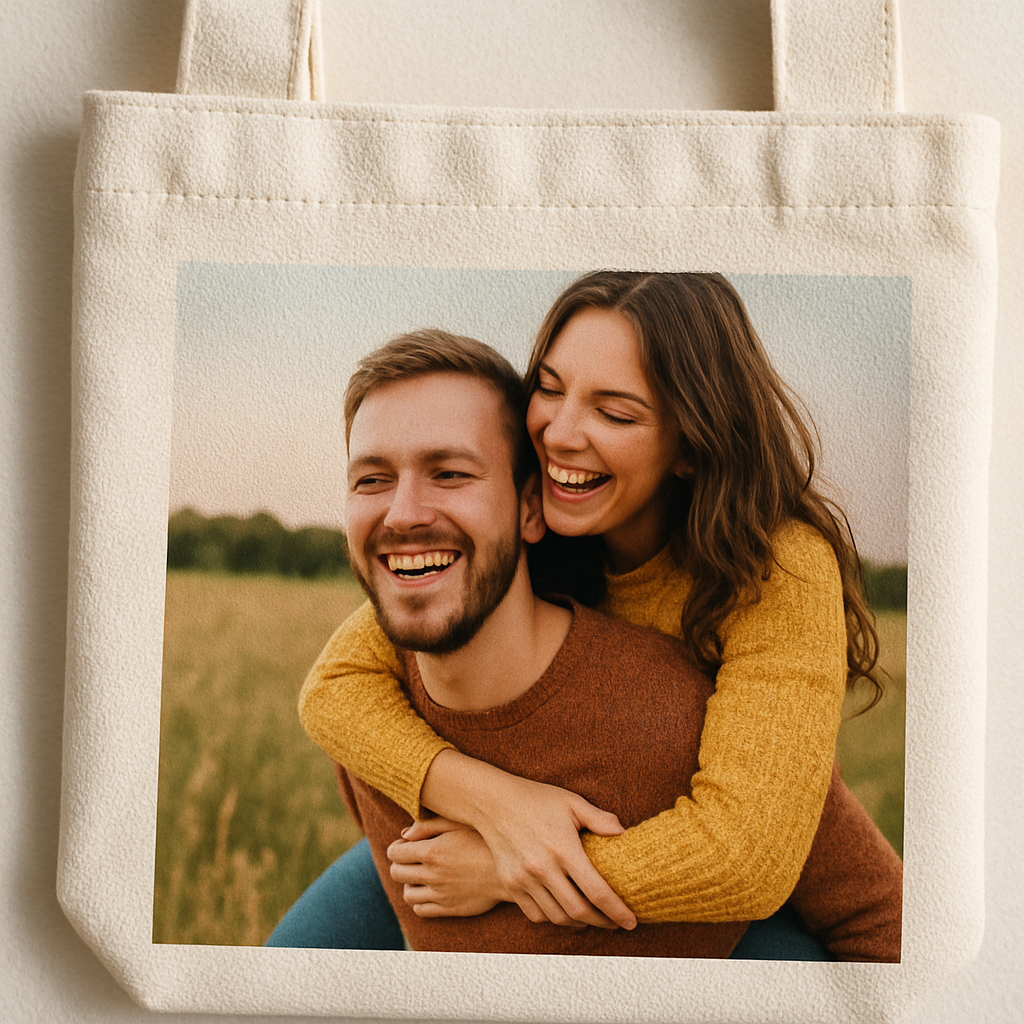
Step 5: Add Personal Touches & Packaging
Imagine the moment your loved one tears open a box and finds not just a tote, but a little story wrapped in paper. That gasp? It’s the result of a few thoughtful details you add after the print is perfect.
First, think about the outer layer. A simple kraft box works, but why not sprinkle a bit of color that matches the photo theme? A pastel ribbon or a stamped seal that says “hand‑crafted with love” instantly upgrades the unboxing experience.
Handwritten notes that feel real
We all remember the handwritten note that made a birthday feel special. Slip a short card inside the tote – something like, “Hey, I saw this moment and thought of you. Hope it brightens your day!” Keep it short, personal, and maybe add a doodle. According to Blue Wind Gourmet’s gift bag guide, a handwritten note can turn a generic gift into a heartfelt gesture that boosts perceived value.
And here’s a tip: use recycled paper that matches your brand’s eco‑friendly vibe. It shows you care about the planet as much as you care about the recipient.
Care tags that whisper usefulness
Don’t let the tote be just a pretty picture. Attach a tiny care tag that says, “Hand wash cold, line dry – keep those colors pop‑pin’!” It’s a tiny detail, but it tells the receiver you’re thinking ahead, and it reduces the chance of a ruined bag later.
Place the tag on a little cardboard loop that can be tucked into the bag’s inner pocket. It’s out of the way, yet easy to spot when they first use it.
Packaging checklist – your final sanity‑savvy run‑through
Before you seal the box, run through this quick checklist:
- Is the tote folded neatly and tucked into a protective poly‑bag?
- Did you include the handwritten note and care tag?
- Is the box sealed with a ribbon or a custom sticker?
- Did you add a short “thank you” card that reinforces the personalized vibe?
Checking these boxes (literally) means you won’t forget the little things that make a big impact.
So, what should you do next? Grab a few samples of your packaging materials and do a test run. Feel the weight of the tote, the texture of the paper, the snap of the ribbon. If it feels right in your hands, it’ll feel right to the receiver too.
Creative twists that set you apart
Ever thought about adding a tiny photo magnet that matches the canvas image? It’s a playful add‑on that lets the gift keep giving – a magnet for the fridge, a reminder of that special moment.
Or consider a scent strip tucked in the box – a hint of lavender or fresh linen. It’s subtle, but it adds an extra sensory layer that makes the unboxing memorable.
And don’t forget to snap a quick photo of the packed tote for your social feed. Showcasing the packaging process builds trust with future buyers and gives them ideas for their own gifts.
Finally, remember the power of timing. If you know the occasion (birthday, anniversary, graduation), coordinate the delivery to arrive a day early. A surprise that lands right on time feels like a warm hug.
Bottom line: the “personal touches” aren’t just fluff – they’re the glue that turns a plain tote into a cherished keepsake. By adding a handwritten note, a care tag, thoughtful packaging, and maybe a tiny extra, you create an experience that lingers long after the box is empty.
Ready to make your next personalized photo canvas tote bag gift unforgettable? Start gathering those little details today, and watch the smiles appear.
Step 6: Compare Top Print Services
Alright, you’ve nailed the design and the personal touches. Now the real question is: which print service will actually bring that personalized photo canvas tote bag gift to life without breaking the bank?
We’ve all been there – staring at a maze of options and wondering if the cheapest quote means shoddy quality, or if a premium price guarantees perfection. Let’s cut through the noise together.
What to look for first
Think about three things that matter most to you: cost per bag, turnaround time, and how eco‑friendly the process is. Those are the three pillars that keep your gift both beautiful and guilt‑free.
Does your heart race at the idea of a two‑day rush, or can you wait a week for a lower price? Your answer will shape the table below.
Quick comparison of the most popular services
| Print Service | Typical Price (per tote) | Turnaround | Eco‑friendly Options | Notes |
|---|---|---|---|---|
| heartful.gifts | $9‑$12 | 3‑5 business days | Organic cotton canvas, water‑based inks | Full‑service design upload, no minimum order |
| Printful | $11‑$15 | 2‑4 business days | Recycled polyester blends available | Integrates with most e‑commerce platforms |
| Vistaprint | $8‑$10 | 5‑7 business days | Standard cotton, optional low‑impact inks | Bulk discounts start at 25 units |
Notice how heartful.gifts sits right in the sweet spot – a modest price, a reasonable turnaround, and truly sustainable materials.
But price isn’t everything. Let’s dig deeper into the “why” behind each column.
Price per tote
When you calculate cost, remember to add any set‑up or artwork fees. heartful.gifts keeps those hidden fees to a minimum, so the $9‑$12 range is pretty transparent.
Printful’s higher price often reflects their seamless integration with online stores, which can be a lifesaver if you’re automating orders.
Vistaprint’s low base price looks tempting, but bulk discounts only kick in after you reach a higher volume – not ideal for a one‑off gift.
Turnaround time
If you’re rushing a birthday or anniversary, those extra 1‑2 days matter. Both heartful.gifts and Printful promise under‑five‑day production, while Vistaprint can stretch a week.
Quick tip: always ask if they offer expedited shipping; sometimes it’s just a small surcharge.
Eco‑friendly credentials
We’re all a bit more conscious these days. heartful.gifts uses organic canvas and water‑based inks, which means fewer chemicals end up in the water.
Printful offers recycled polyester blends – great if you’re leaning toward a sporty look.
Vistaprint’s low‑impact inks are a decent compromise, but they don’t advertise a fully organic fabric.
Wondering how to verify these claims? this guide on choosing a printing service breaks down the sustainability checklist you can use.
And for a deeper dive into pricing transparency across the industry, check out Entrepreneur’s article on custom print costs. It confirms that the $8‑$15 range you see here is typical for quality canvas totes.
So, what should you do next?
Grab a notebook, jot down your budget, your deadline, and how important eco‑friendliness is to you. Then match those priorities against the table above. If you’re still torn, try ordering a single sample from each service – most providers will let you test the print quality before you commit to a larger batch.
Remember, the perfect personalized photo canvas tote bag gift isn’t just about the image on the fabric; it’s about the experience from order to unboxing. Choose a printer that aligns with that experience, and you’ll have a gift that feels as thoughtful as the photo you chose.
FAQ
Got questions? We’ve gathered the most common ones about creating the perfect personalized photo canvas tote bag gift.
How long does it take to receive a personalized photo canvas tote bag gift?
Usually you’ll see a 3‑5 day production window, then a couple of days for shipping. If you need it sooner, many services (including heartful.gifts) offer expedited options.
So, if you’re ordering for a birthday next week, bump up the shipping speed and you’ll be fine.
Can I upload any photo size and still get good quality?
We recommend at least 150 dpi at the final print dimensions – that’s what most printers need to keep the image sharp.
Don’t worry if your original is a phone snap; just make sure it’s not tiny. A quick check in any photo editor will tell you the resolution.
And if you’re unsure, the preview tool on heartful.gifts will flag low‑resolution files before you checkout.
What if I’m not happy with the colors after printing?
Most companies, heartful.gifts included, have a satisfaction guarantee. You can request a reprint if the colors look washed out or off.
It helps to view the image on a calibrated screen and avoid heavy filters before you upload – that way the printer sees what you see.
Is the tote bag durable enough for everyday use?
Absolutely. The canvas we use is 12 oz, which feels sturdy but still folds nicely into a tote.
It can hold groceries, a laptop, or a beach towel without sagging, and the printed side is treated to resist fading from sunlight.
Think of it as a keepsake that also doubles as a work‑horse.
Do you offer gift‑wrapping or a personal note?
Yes! At checkout you can add a handwritten‑style note and choose a simple kraft‑paper wrap.
It’s a sweet touch that makes the “personalized photo canvas tote bag gift” feel even more thoughtful.
How do I care for my canvas tote to keep the photo looking fresh?
Spot‑clean with a damp cloth; avoid soaking the printed side.
If you need a deeper clean, turn it inside out and hand‑wash in cool water with mild detergent, then air‑dry.
A little care now means the photo stays vibrant for years.
Can I order multiple designs in one batch?
You can upload several photos and select a different layout for each tote, then add them to the same cart. Most print‑on‑demand services, including heartful.gifts, handle mixed orders without extra fees.
Just be sure each image meets the resolution guidelines we mentioned earlier, and you’ll get a cohesive set of gifts that each feels custom‑made.
Conclusion
So, you’ve seen how a personalized photo canvas tote bag gift can turn a simple carry‑all into a memory you actually hold.
Remember that moment when you unwrapped a tote and saw your kid’s grin? That feeling is exactly what makes this gift special.
We’ve covered durability, caring tips, gift‑wrapping options, and how easy it is to order multiple designs. All of that adds up to a present that’s both practical and heartfelt.
What’s the next step? Head over to heartful.gifts, upload your favorite snapshot, pick a layout, and add that handwritten‑style note. It’s that simple.
If you’re still on the fence, think about how often you use a tote. Every coffee run, grocery trip, or beach day becomes a little reminder of the love you shared.
And don’t forget: a little spot‑cleaning now keeps the photo vibrant for years, so the joy never fades.
Take a breath, choose the photo that tells your story, and let the canvas do the talking.
Ready to create your own personalized photo canvas tote bag gift? Let’s make it happen today.
Because a gift that reflects a real moment stays on the mind longer than a generic present, you’ll find yourself reaching for the tote again and again, sharing the story with anyone who asks.